 FrameCast
Home / Free / Export formats that stay free
Free export
Export formats that stay free
The recording on disk stays H.264. The format you pick is applied when you export. On Mac and iPhone that list is MP4 (H.264), MP4 (HEVC), MOV (ProRes), or GIF. Export is free.
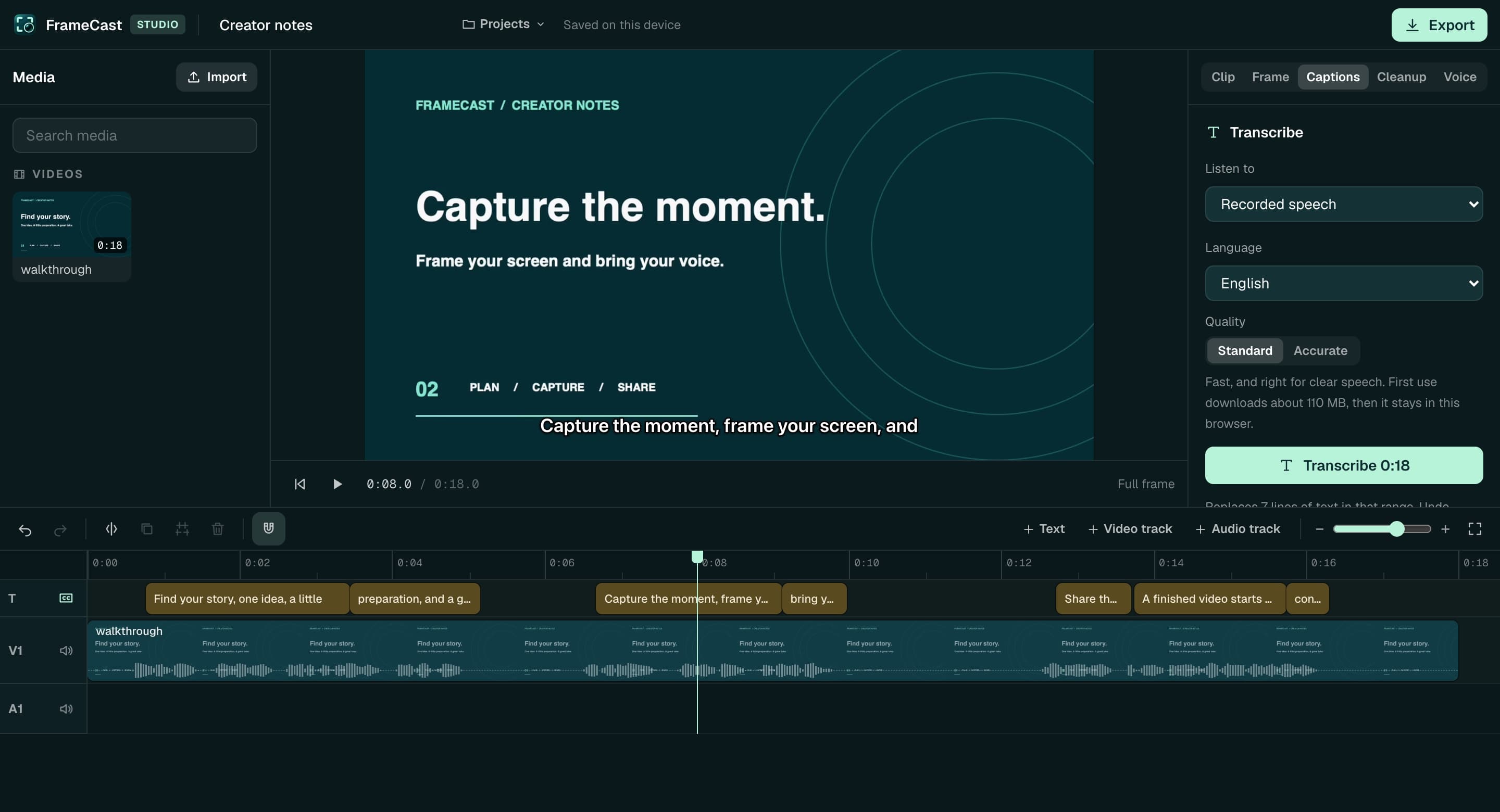
The web editor writes an MP4 on your device. The codec depends on the browser: H.264, HEVC, VP9, or AV1, with AAC or Opus audio. It can also download captions as SRT or WebVTT. It does not write ProRes or GIF.
Mac and iPhone
Quality and resolution apply to the movie exports. GIF uses its own frame rate and color settings.
- H.264 or HEVC in an MP4, at Compact, Standard, High, or Maximum
- ProRes in a MOV: Proxy, LT, 422, or HQ
- GIF, with audio dropped
- Resolution: original, 4K, 1080p, 720p, or 480p — smaller sources are not scaled up
- Repeat the same timeline from 1 to 30 times, back to back
- Burned-in captions when subtitles are on
Web editor
Trim, reframe, caption, clean up, and export without an account. Footage is not uploaded just to finish the MP4. Saving to the cloud library, or publishing a share link, is the upload.
Free cloud library space is 15 GB. Files you have not pinned to a live link can rotate out once you pass that. Pro includes 100 GB.
What this is not
There is no batch export of many different videos in one click. Repeat duplicates the current timeline. There is no claim here of a format the exporter does not list.
Questions
- Is ProRes export free?
- Yes. ProRes, HEVC, H.264, and GIF export are included with the free Mac and iPhone apps.
- Can the web editor export a GIF or ProRes?
- No. The web editor exports MP4, plus SRT or WebVTT caption files. Use the Mac or iPhone app for GIF and ProRes.
- Does export add a watermark?
- No. Local exports are not watermarked. A free watch page can show a Made with FrameCast badge. Pro removes that badge.
- When would I pay?
- When you want more than 25 live share links, up to 30 minutes each, at 1080p. Pro is $5.00/month, $60.00 billed yearly: unlimited links, up to 4 hours in 4K, insights, and link controls.
More free tools
Comparisons
Guides
Use it free. Pay when a link should last.
FrameCast recording, captions, cleanup, and export stay free. Pro is $5.00/month billed yearly for unlimited share links and viewer insights.