 FrameCast
Guide
Turn a video into a GIF on Mac or iPhone
Open a recording or any video in the Mac or iPhone editor, set Format to GIF, and press Export GIF. The file is rendered on the device. You do not upload it to make the GIF, and the export is free.
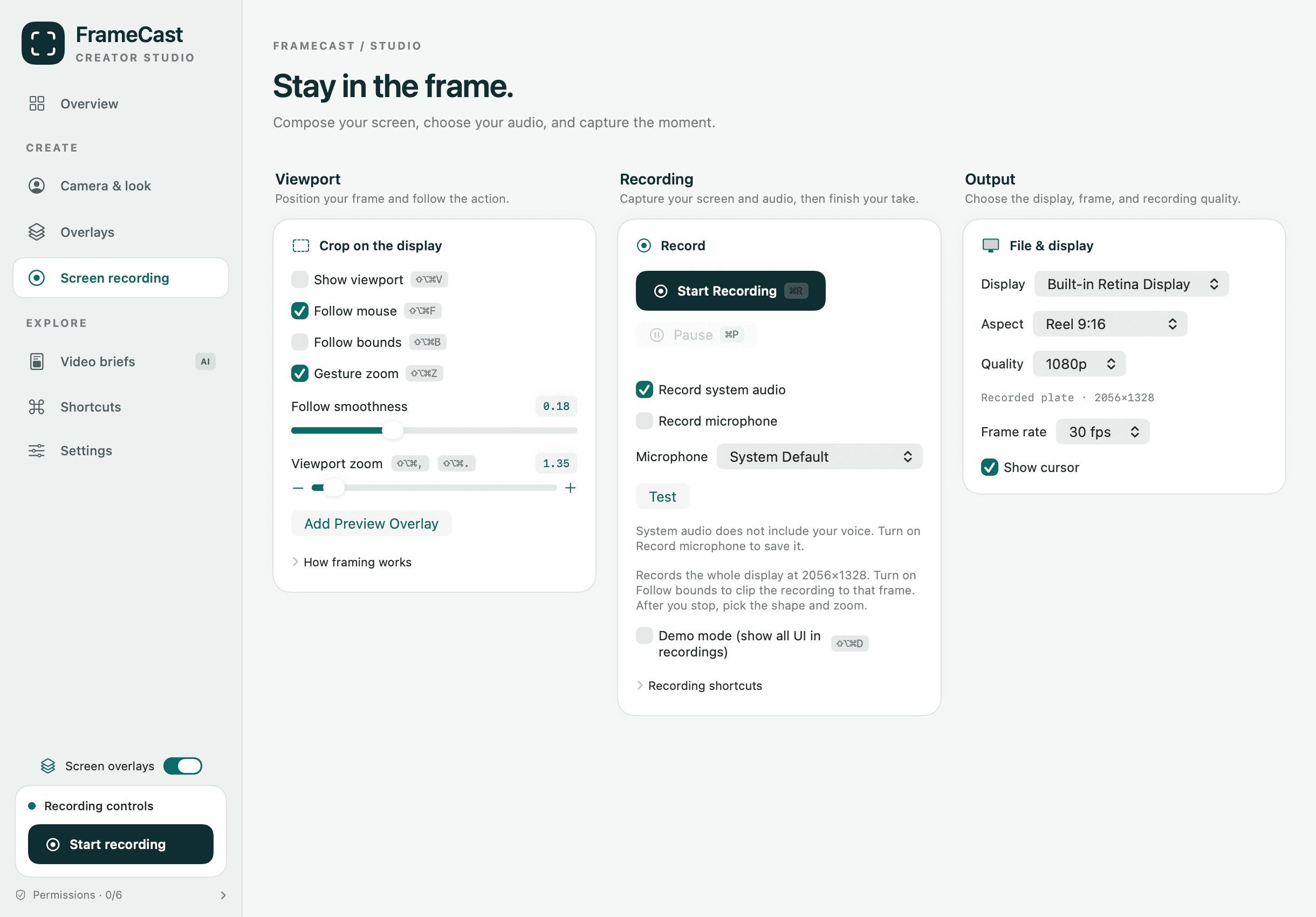
There is no GIF control in the recording panel. You choose GIF after you stop. The web editor exports MP4 only.
The controls that change the file
The GIF card appears when Format is GIF. Resolution uses the same steps as video: original, 4K, 1080p, 720p, or 480p, and a smaller video is not scaled up.
- Frame rate: 8, 10, 12, 15, 24, or 30 fps, and not higher than the source
- Colors: 256, 128, 64, or 32. Fewer colors make a smaller file
- Dither blends colors so gradients look smoother
- Playback: Loop forever, or Play once
- Repeat, from 1 to 30, writes that same clip back to back. It is not a batch of different videos
Audio, captions, and length
GIFs drop the audio. If the soundtrack matters, export MP4 instead. Captions that are on the timeline are drawn into the frames.
The exporter does not cut the GIF off at a number of seconds. A long clip at a high frame rate is a large file, and some sites will refuse it. Trim to the moment you want before you export.
When a GIF is the wrong delivery
A loop in a doc or a chat is a GIF. A product tour people should watch, with a transcript and a view count, is a share link. Free includes 25 live share links, up to 30 minutes each, at 1080p.
Pro is $5.00/month, $60.00 billed yearly when you need unlimited links, up to 4 hours, 4K, and viewer insights.
Questions
- Do I have to upload the video to make a GIF?
- No. The Mac and iPhone apps render it on device. The web editor cannot export a GIF.
- Why is there no sound?
- The GIF exporter drops the audio. Export MP4, HEVC, or ProRes when the soundtrack matters.
- Can I convert several videos at once?
- No. Repeat duplicates the current timeline up to 30 times. There is no batch export of different videos.
Takeaways
- • GIF is an export format in the Mac and iPhone editors, not a recording mode.
- • Audio is dropped. There is no duration cap. File size is the practical limit.
- • The web editor does not export GIF.
Related guides
Feature pages
Related comparisons
All guides · Free features · Comparisons · Support · FrameCast home
Try the Mac studio free
macOS 14 or later. Recording and export stay free. Pro is for unlimited share links and viewer insights.